Skip to content
TD5Monitor

Hardware guide

Which adapter for your Td5?

It all depends on your phone. Pick yours and we'll tell you what to buy.

I have an iPhone

The iPhone doesn't take the USB OBD cable. The same goes for the iPad.

Cheap ELM327 dongles don't work with the Td5. Which ones to avoid

Tested and working on a Td5

The cheapestAndroid

USB OBD cable

Plug it in and go: nothing to pair.

  • Very responsive
  • A cable runs across the cabin

Also needed: an OTG adapter if your phone has USB-C or micro-USB (almost all do). USB-C · micro-USB

How to use it

Another cable? What to check
  • A genuine FTDI chip (FT232RL), stated on the product page
  • Sold as a "K+DCAN" or "KKL" cable
  • A 16-pin OBD-II plug

Using the USB cable

One minute, three steps.

  1. Plug it into the phone

    With the OTG adapter (USB-C or micro-USB) between the cable and the phone.

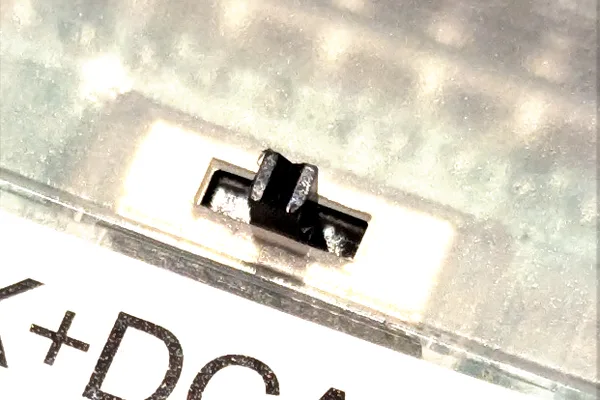
  2. Set the switch to "Engine"

    Middle position (or to the right if it only has two).

    Close-up of the switch on Engine: middle position
    Engine
  3. Plug it into the vehicle and connect

    Diagnostic socket, ignition on. In the app: Settings › Connection › USB, then the connect button.

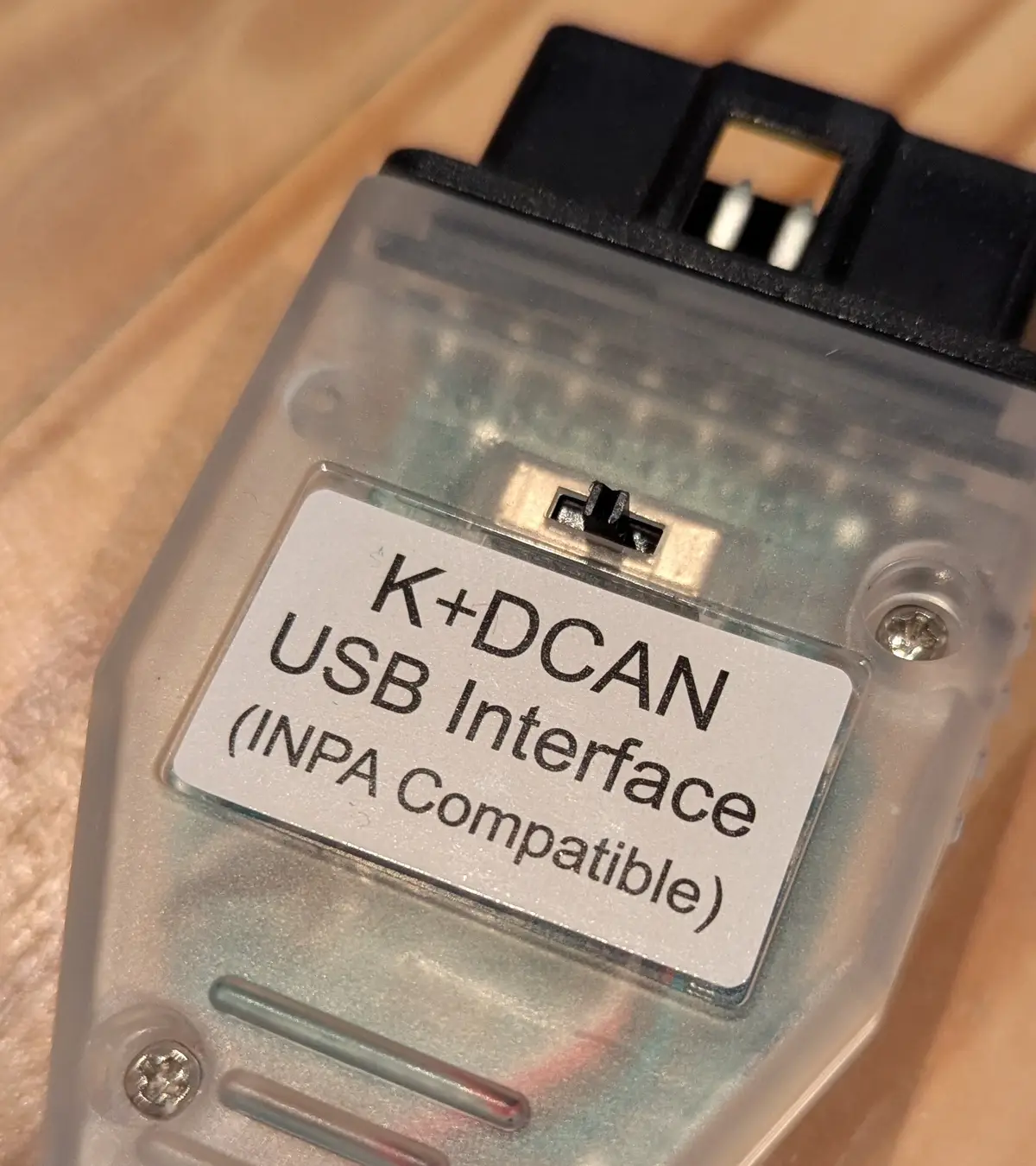
The USB cable with its switch on Engine: label the right way up, OBD plug at the top

Don't work with the Td5: Cheap ELM327 clones, Vgate iCar / BLE 4.0, vLinker MC+, Veepeak OBDCheck BLE+. Their chip can't wake the ECU.

Plugged in, but no connection?

Before blaming the adapter, check the fuses of the diagnostic socket and the ECU: a blown fuse cuts the link.

Diagnostic socket and ECU fuses, by vehicle:

See the fuse box diagrams

As an Amazon Associate I earn from qualifying purchases.